

online winkel
Reserveringen
events
pop-up

Class Quorum: Minimum Bookings
Door
Set minimum bookings for every class session
Nog geen beoordelingen
Gratis pakket beschikbaar

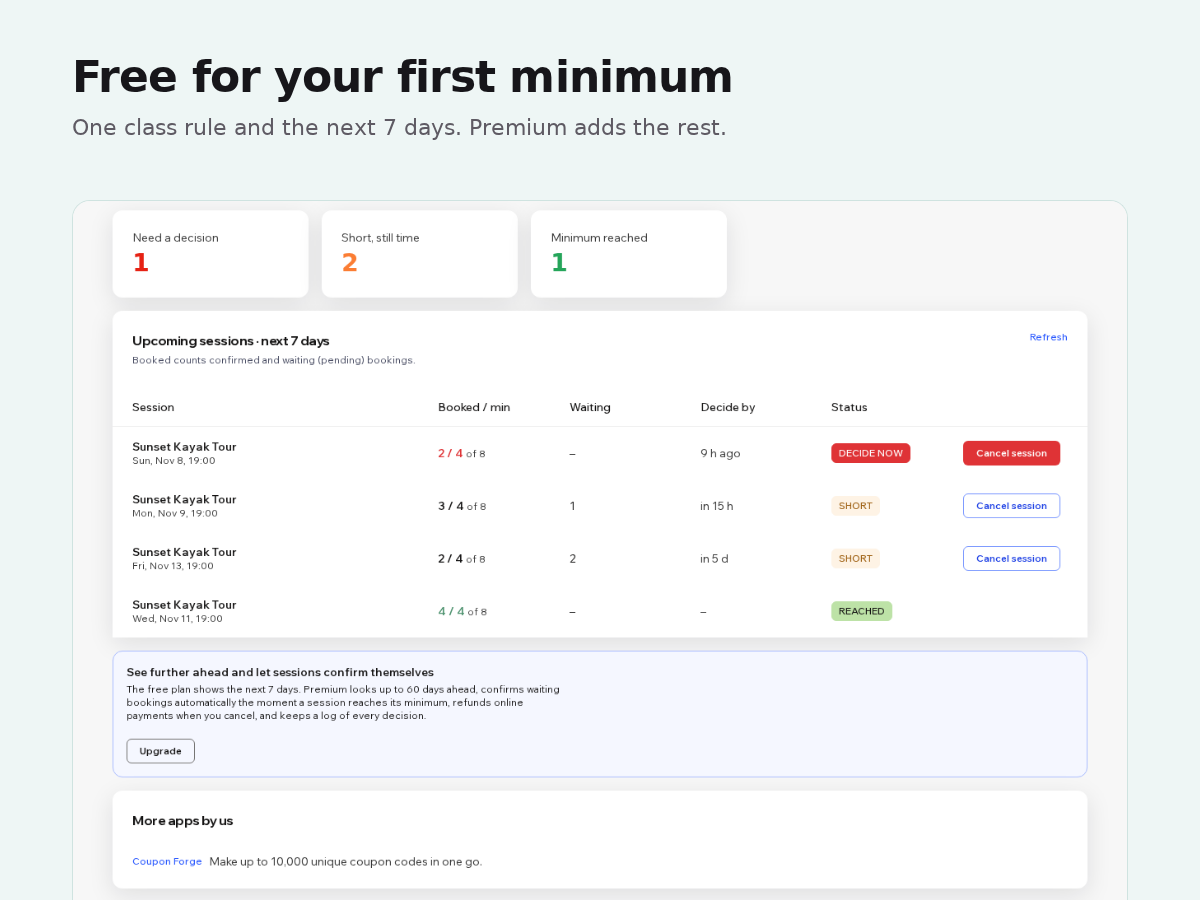
Class Quorum: Minimum Bookings overzicht
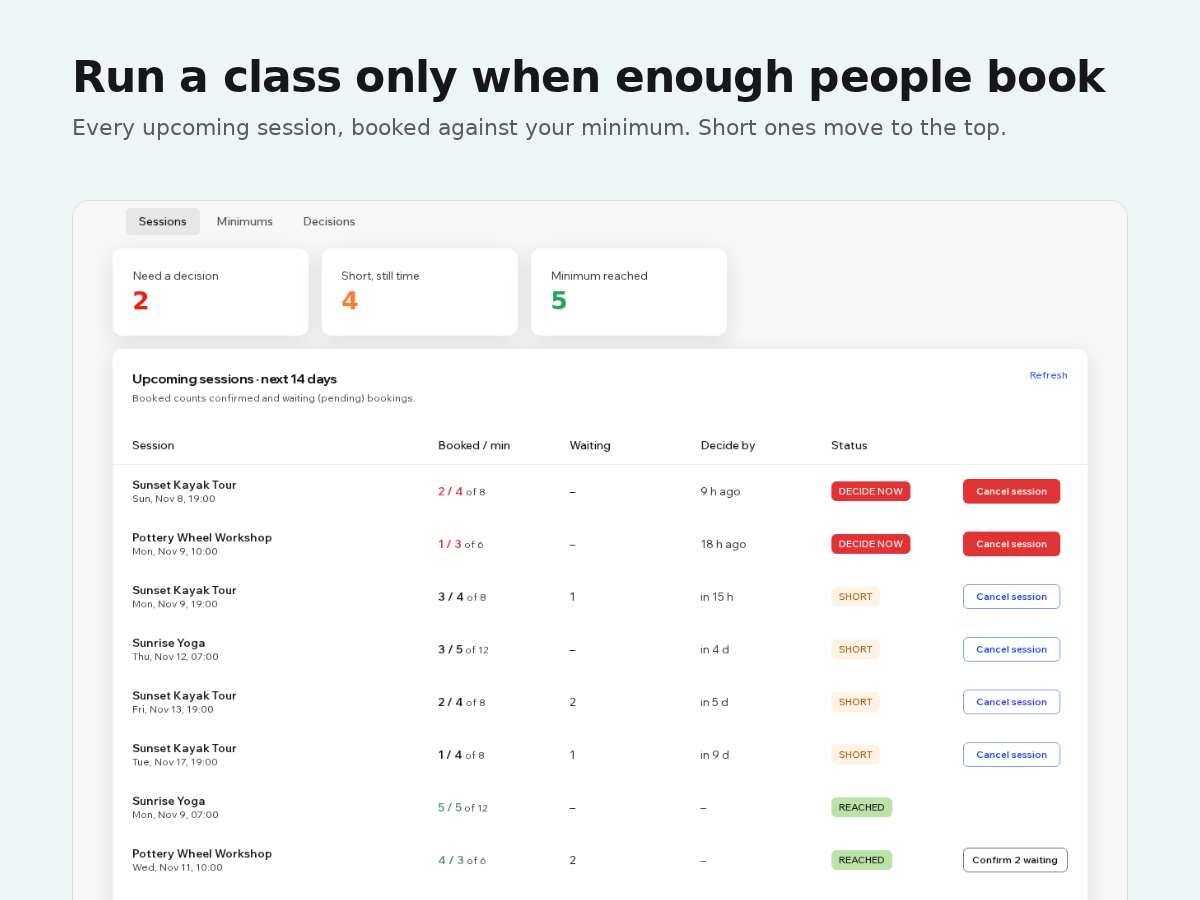
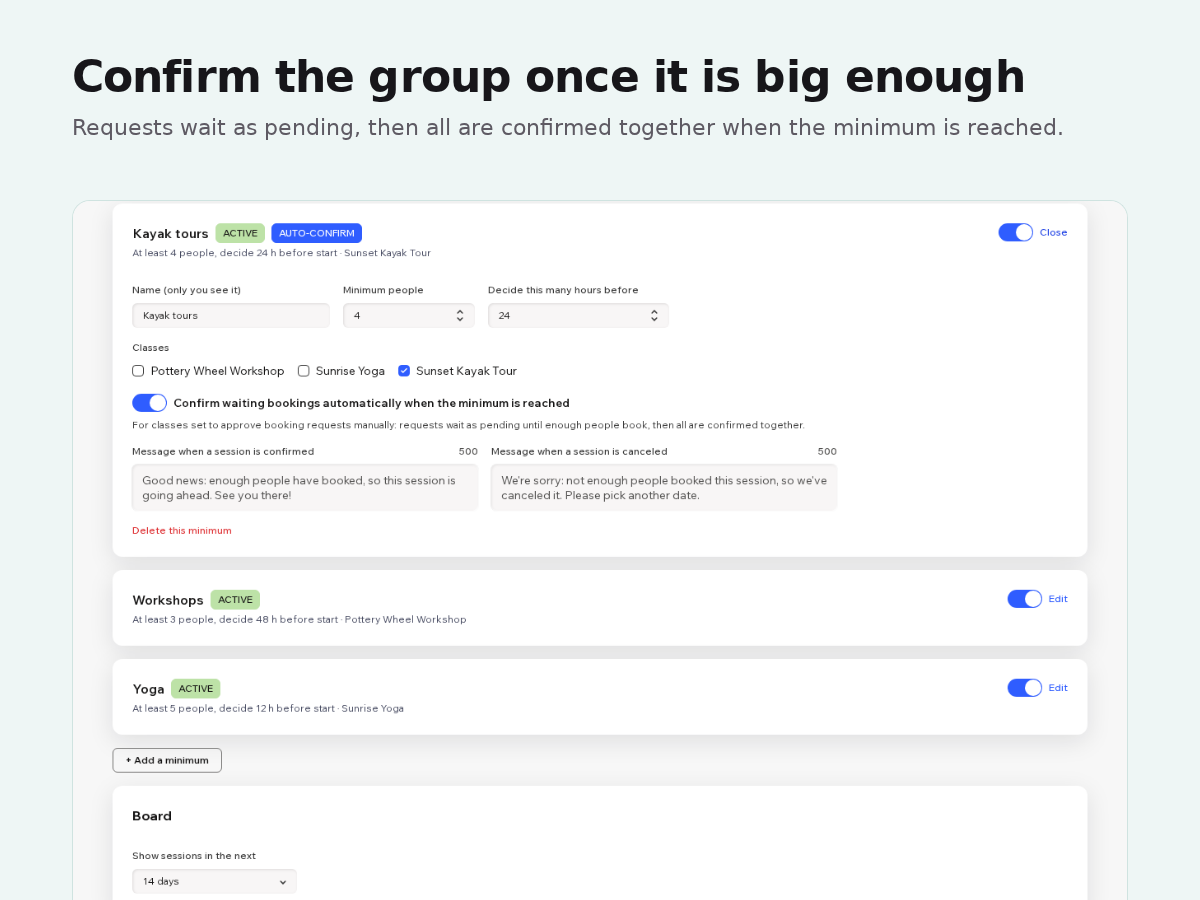
- Set a minimum number of people per class and a decision time
- See every upcoming session that is short of its minimum
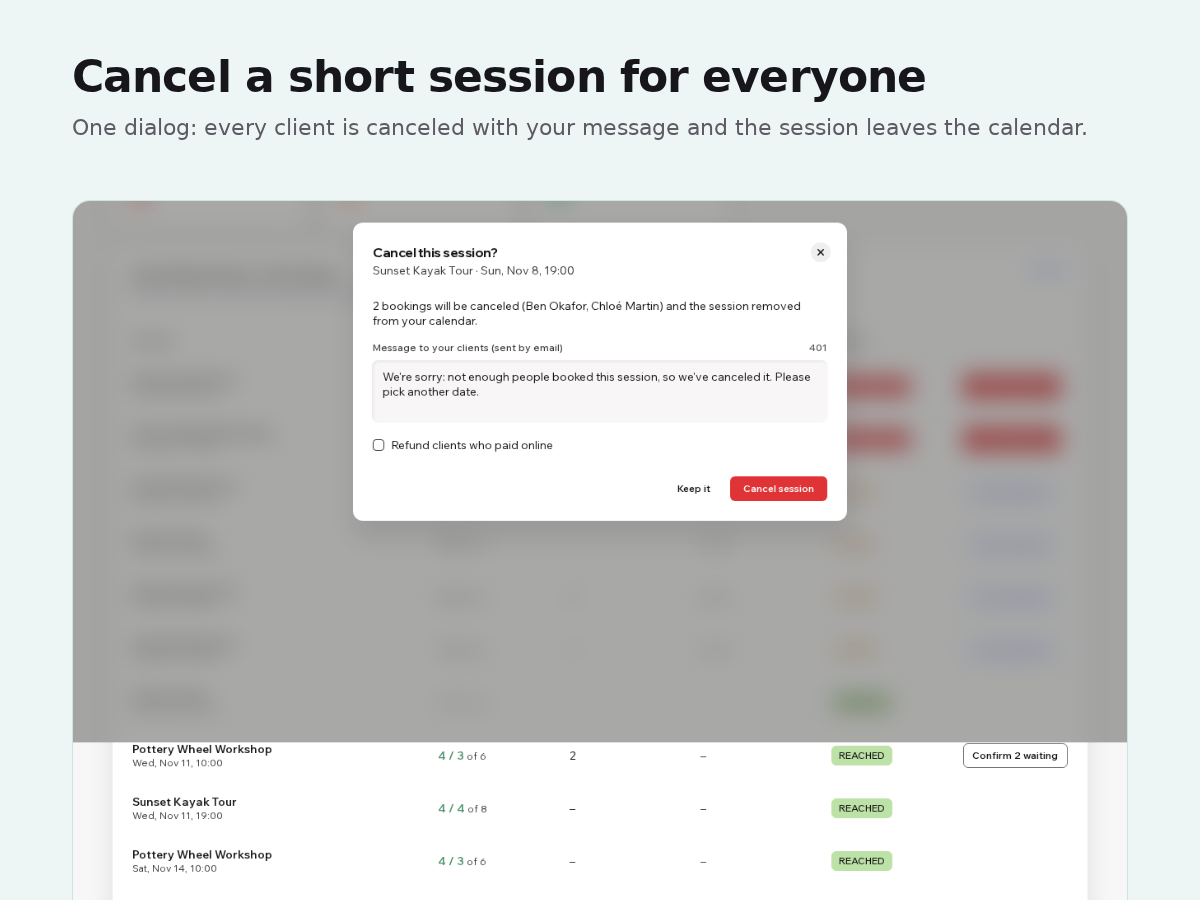
- Cancel a short session for all clients at once, with your message
- Confirm waiting bookings automatically when the minimum is reached
Beoordeling
Deze app heeft nog geen beoordelingen ontvangen, wees de eerste om hem te beoordelen.Prijzen en abonnementen
Basic-abonnement
Gratis
One minimum for your classes
Sessions in the next 7 days
Cancel a session for everyone
Premium-abonnement
$
6
67
/maand
Unlimited minimums, 60 days ahead
Auto-confirm at the minimum
Refunds when you cancel
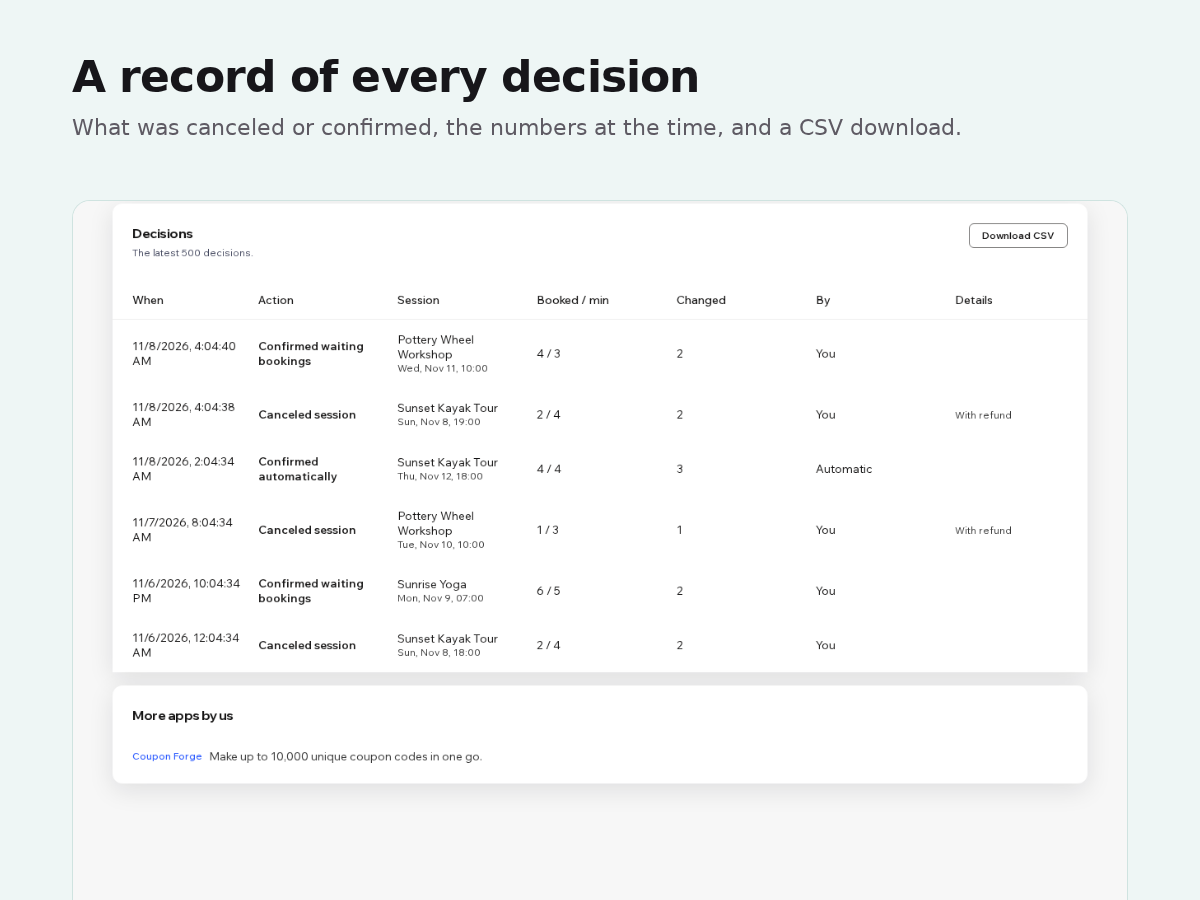
Decisions log with CSV download
* De prijs is in USD.