

online winkel
Reserveringen
events
pop-up

Audio Player | Soundly
Door
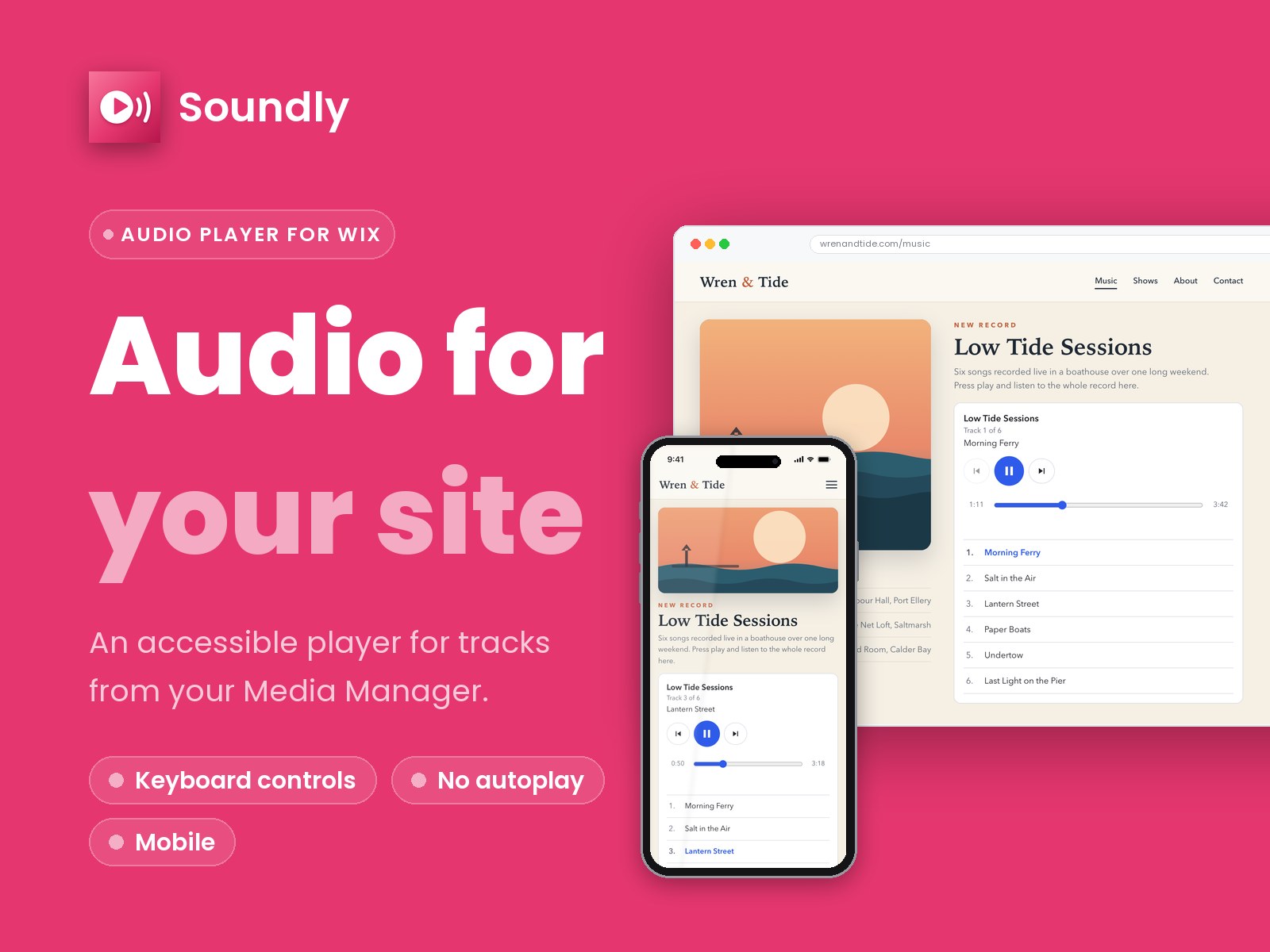
Accessible audio player with a simple playlist
Nog geen beoordelingen
Gratis pakket beschikbaar

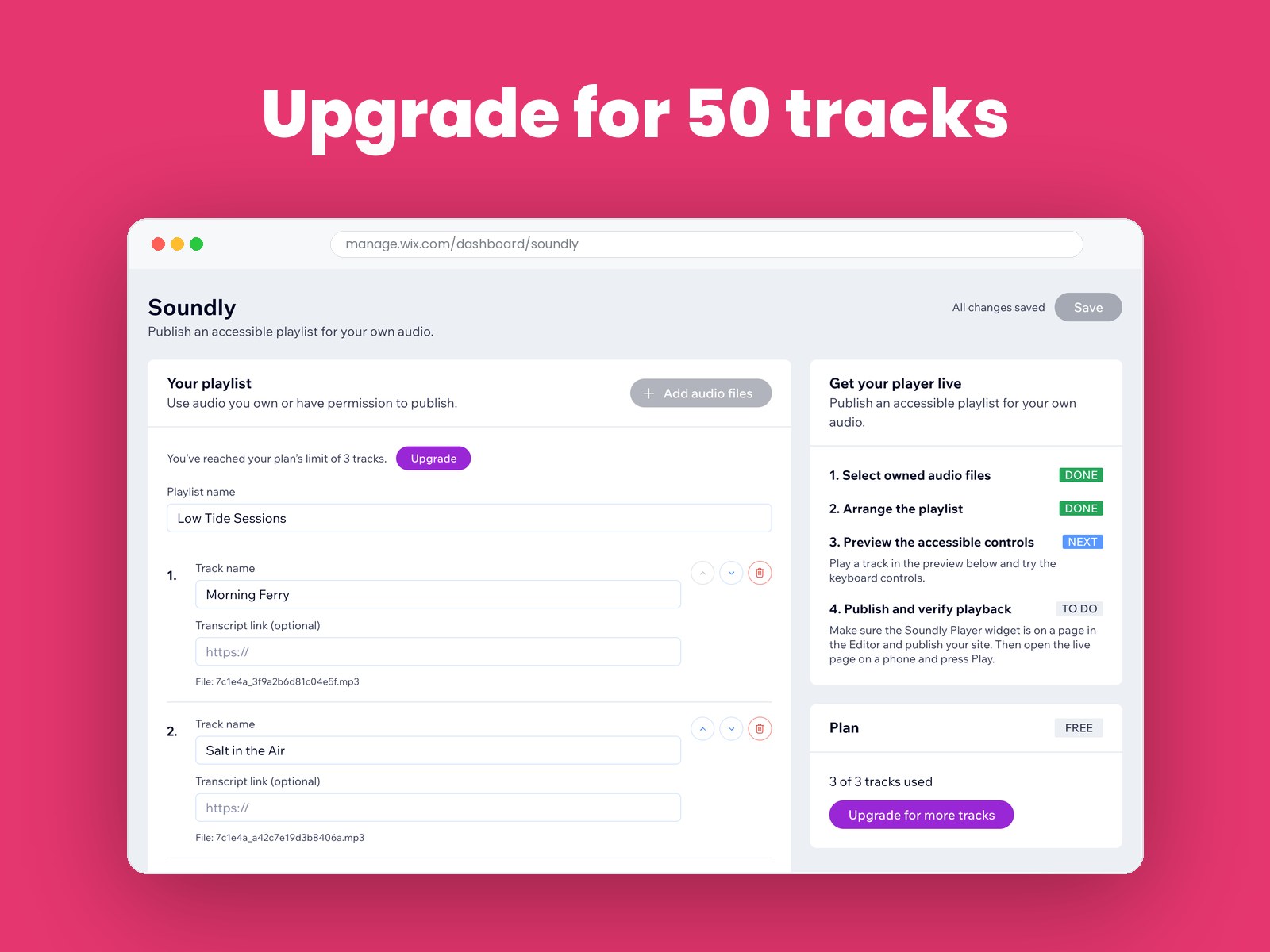
Audio Player | Soundly overzicht
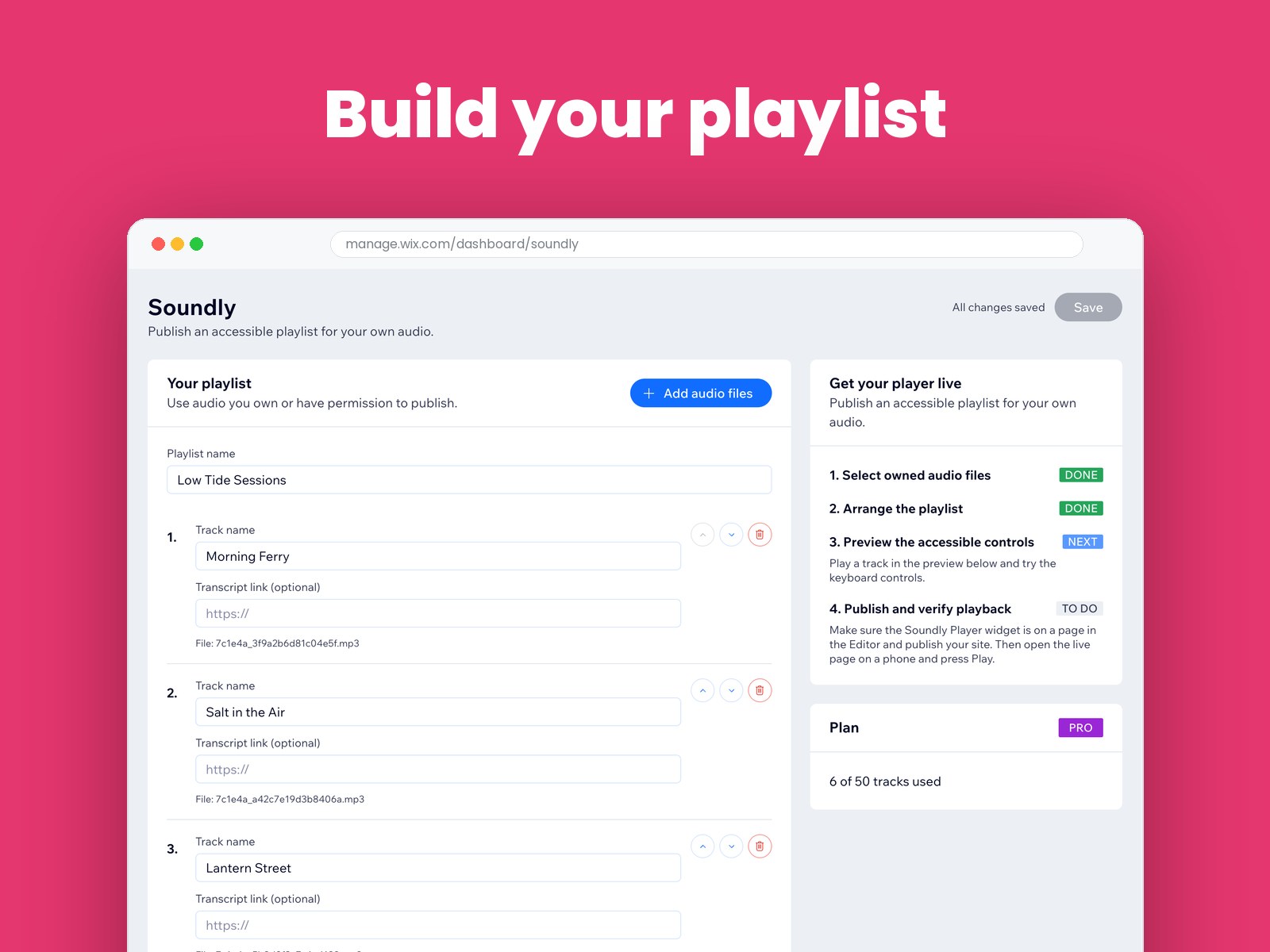
- Build a playlist from your Media Manager audio files
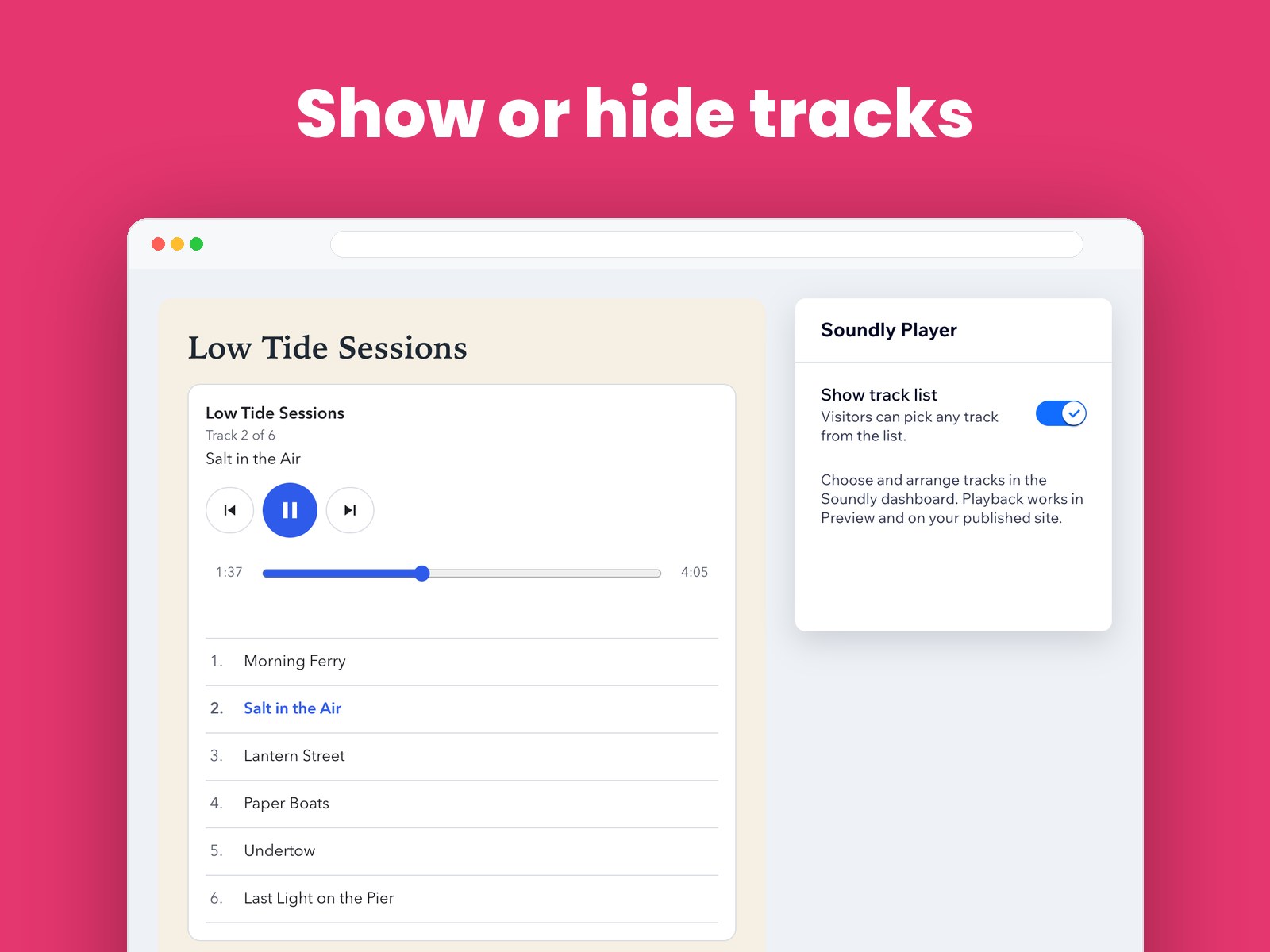
- Play, pause, skip and seek from the keyboard
- Never autoplays, and one player plays at a time
- Add a transcript link to any track
Beoordeling
Deze app heeft nog geen beoordelingen ontvangen, wees de eerste om hem te beoordelen.Prijzen en abonnementen
Free-abonnement
Gratis
Up to 3 tracks in your playlist
Keyboard-friendly audio player
Plays files from your Media Manager
Pro-abonnement
$
3
97
/maand
$497
Up to 50 tracks in your playlist
Everything in the Free plan
Transcript link for each track
* De prijs is in USD.