

online winkel
Reserveringen
events
pop-up
UTM Contact Attribution
Door
Track sources for leads, bookings and orders
5.0
Gratis pakket beschikbaar

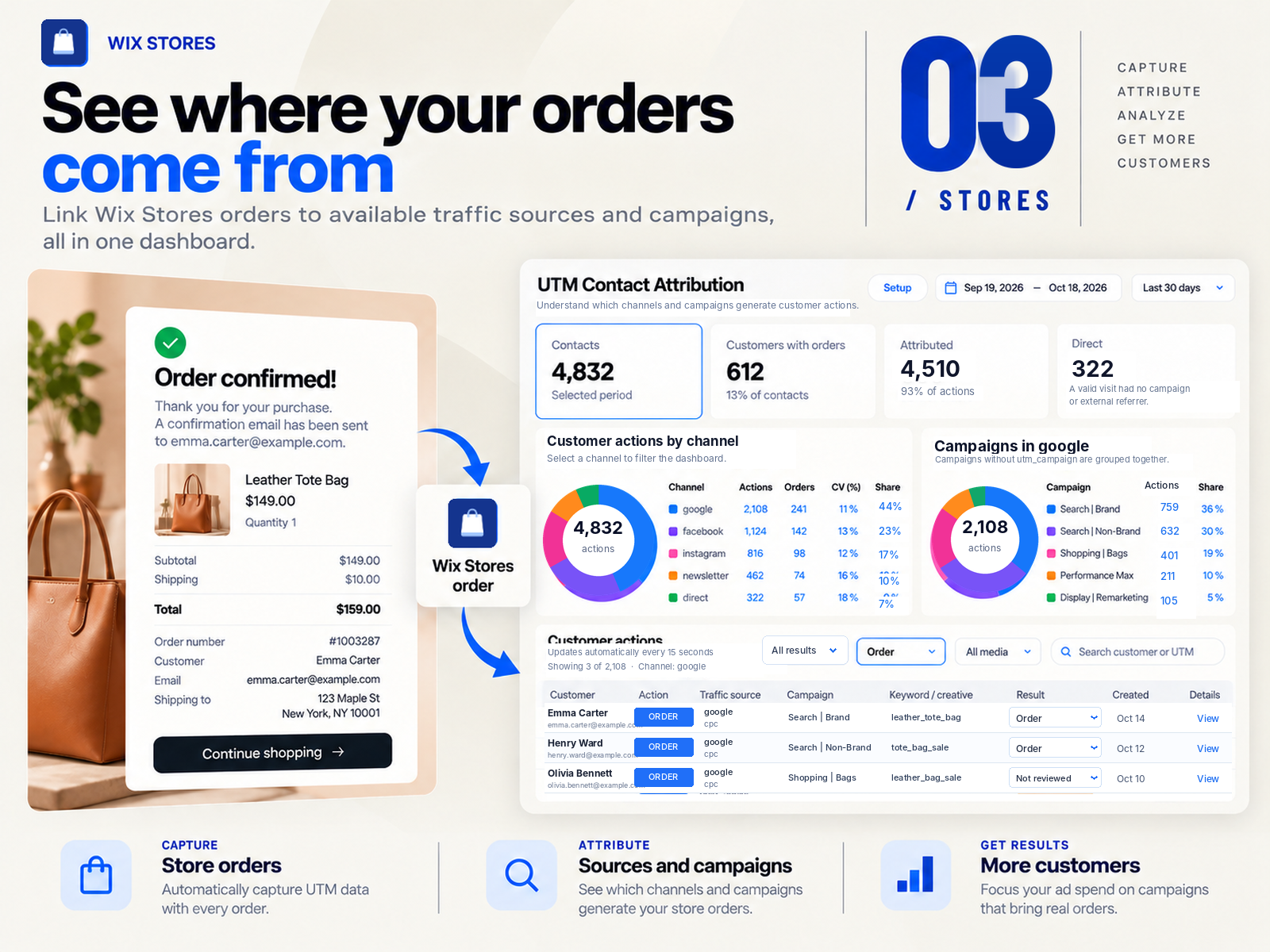
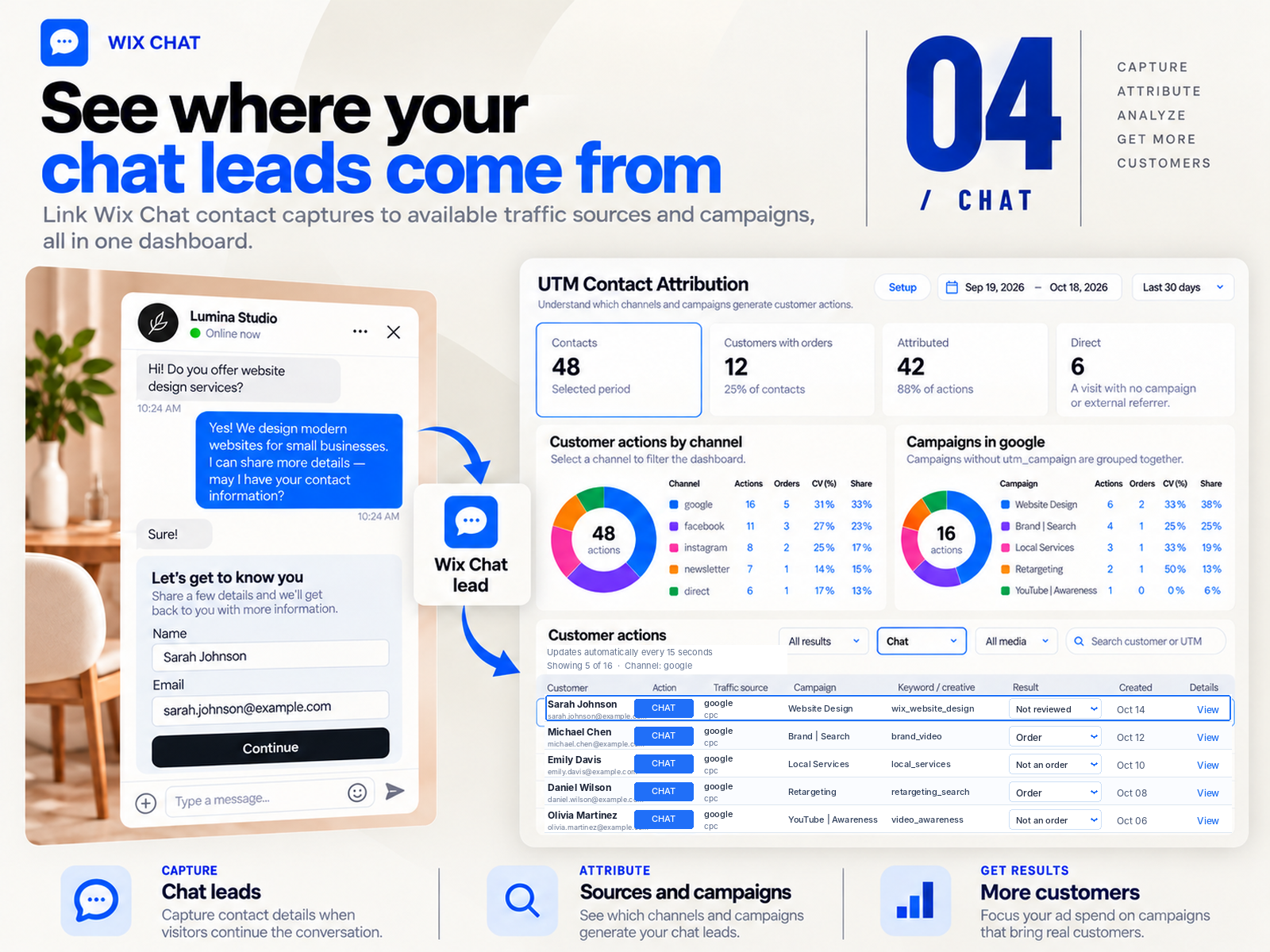
UTM Contact Attribution overzicht
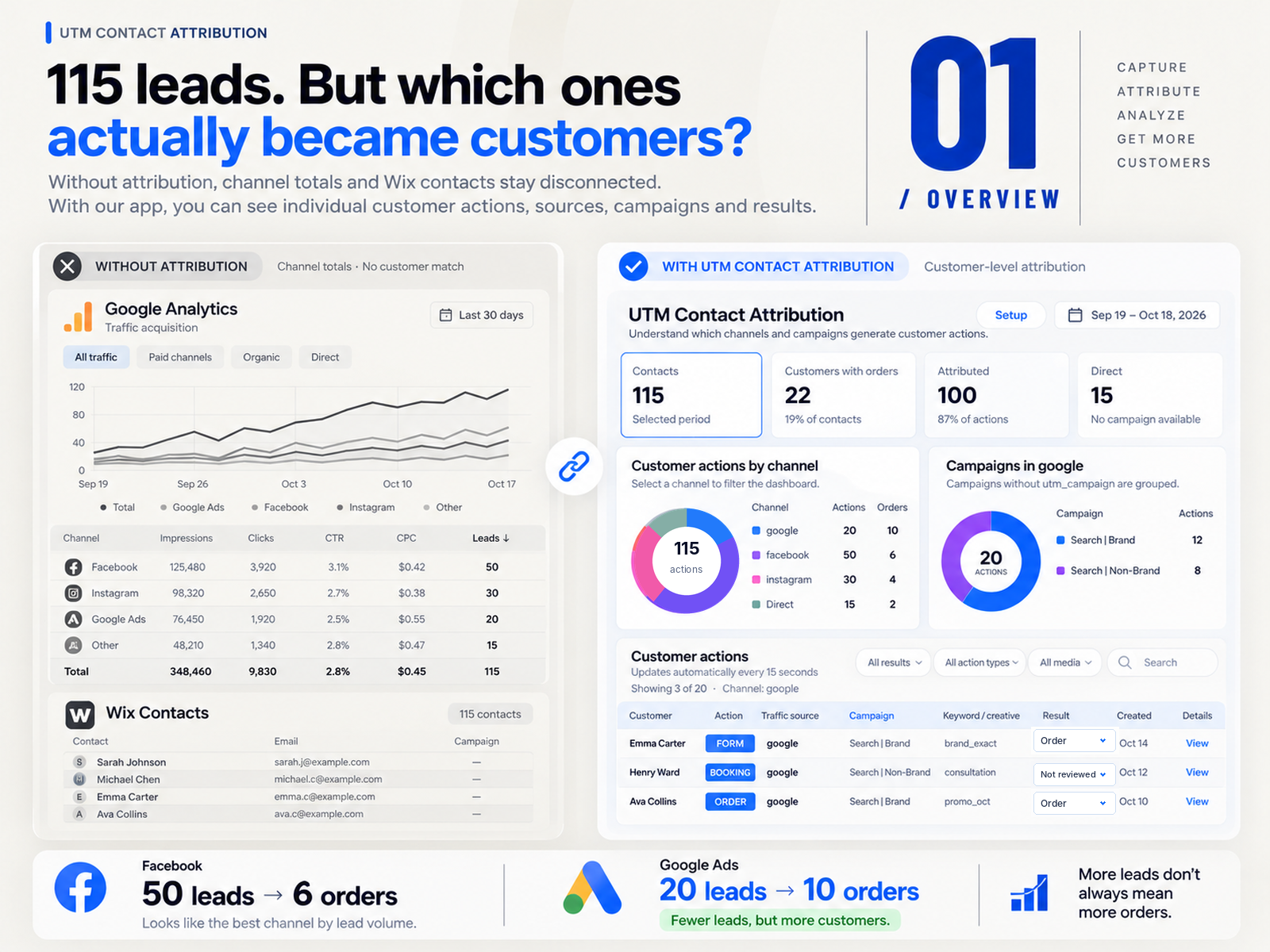
- See available sources and campaigns for customer actions
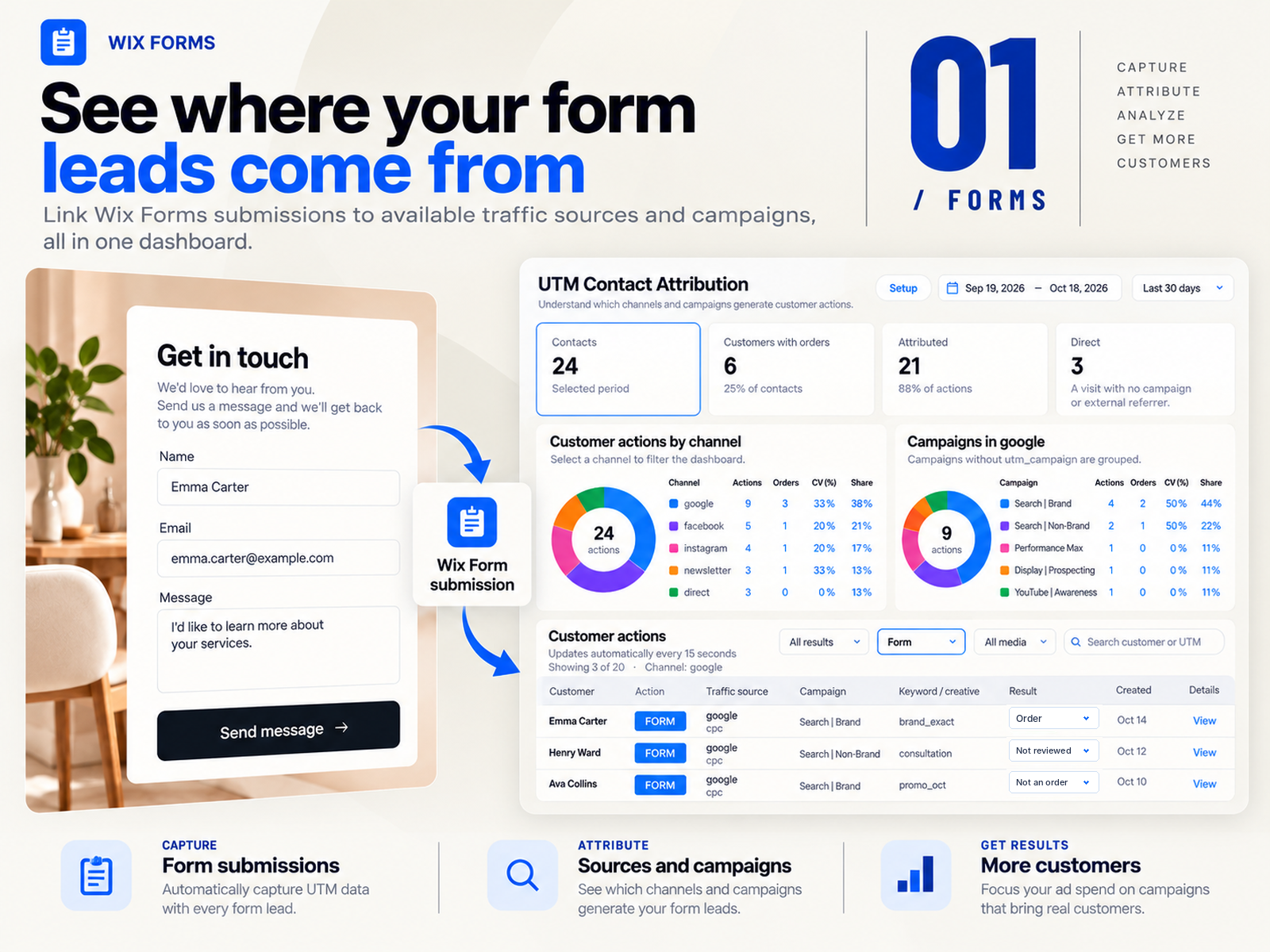
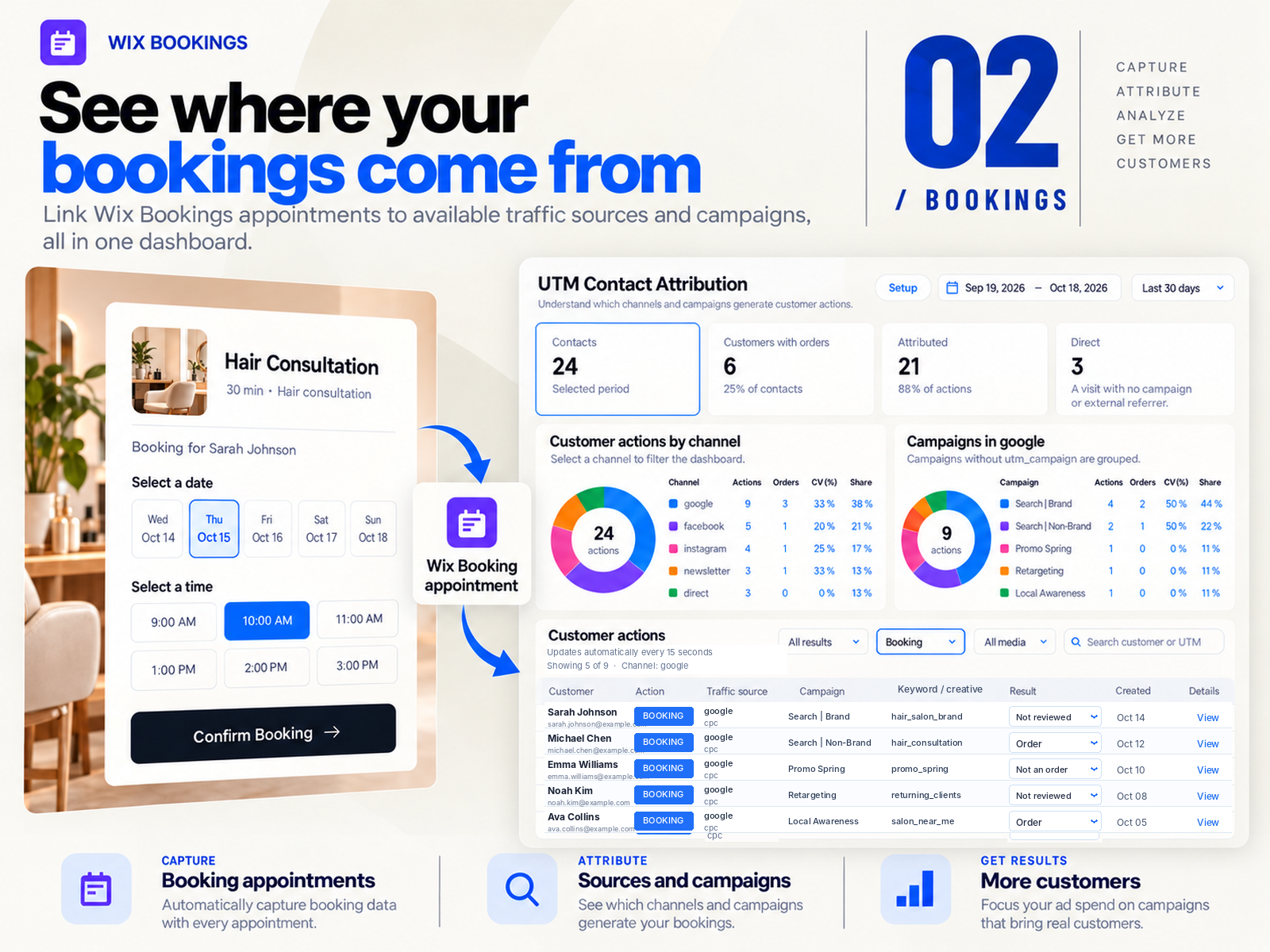
- Track supported Forms, Bookings, Stores orders and Chat leads
- Compare First, Last and Conversion Touch
- Verify attribution with a guided test form submission
5.0 gemiddelde waardering
1 beoordeling
5
1
4
0
3
0
2
0
1
0
RY
Ryonaljewlcaraball/ Oct 24, 2026
UTM is registeringThe app works. There were some questions, the support replied quickly.
(1)
Bedankt voor je feedback
Prijzen en abonnementen
Free-abonnement
Gratis
3 customer attributions every 30 days
Discover which channels bring leads
Track forms, bookings, orders & chat
See campaigns and attribution details
Pro-abonnement
$
24
99
/maand
Unlimited attribution tracking
Wix Forms, Bookings, Chat and Stores
First, Last and Conversion Touch
Channel and campaign reporting
* De prijs is in USD.